

How to add Reporting Endpoints
Introduction
Any account with a subscription to use the reporting webhook services can ad Reporting Endpoint URLs in the Deliverect portal to collect order and order status data from an account.
At the Account Level
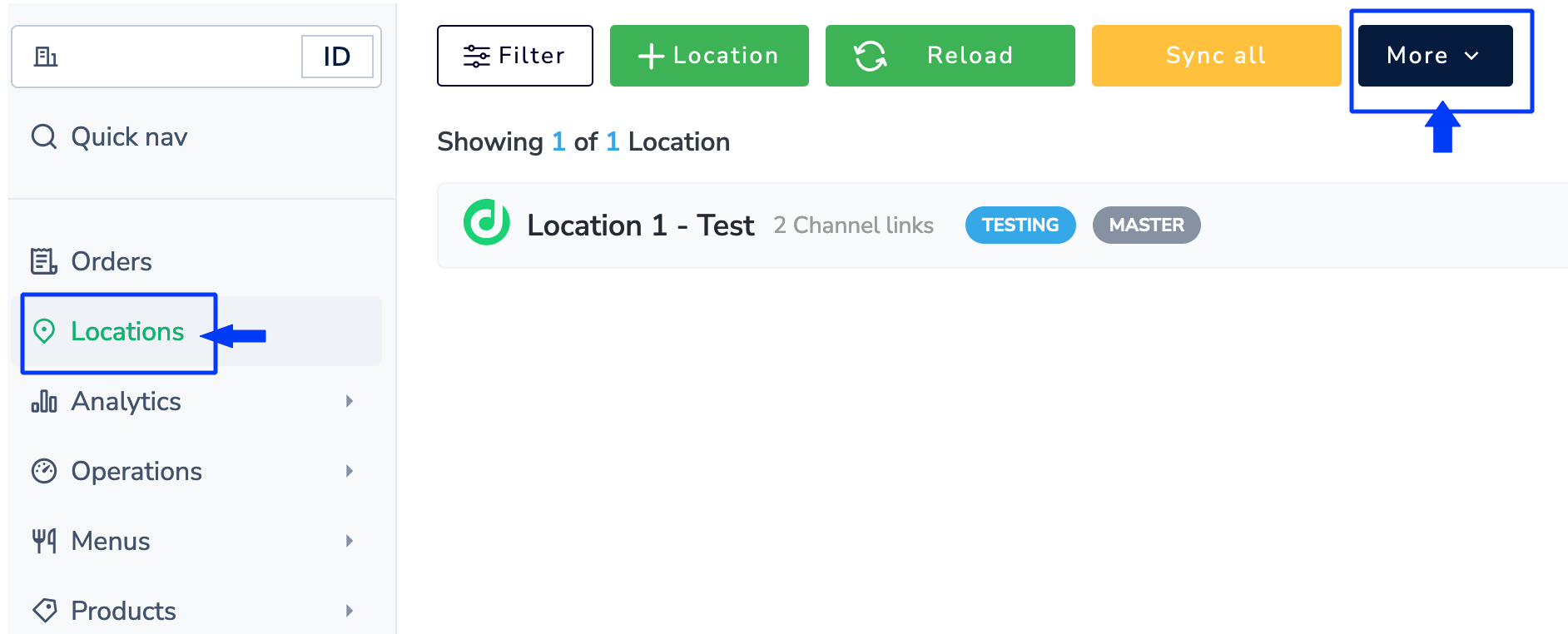
- Select the Locations tab, then click More.
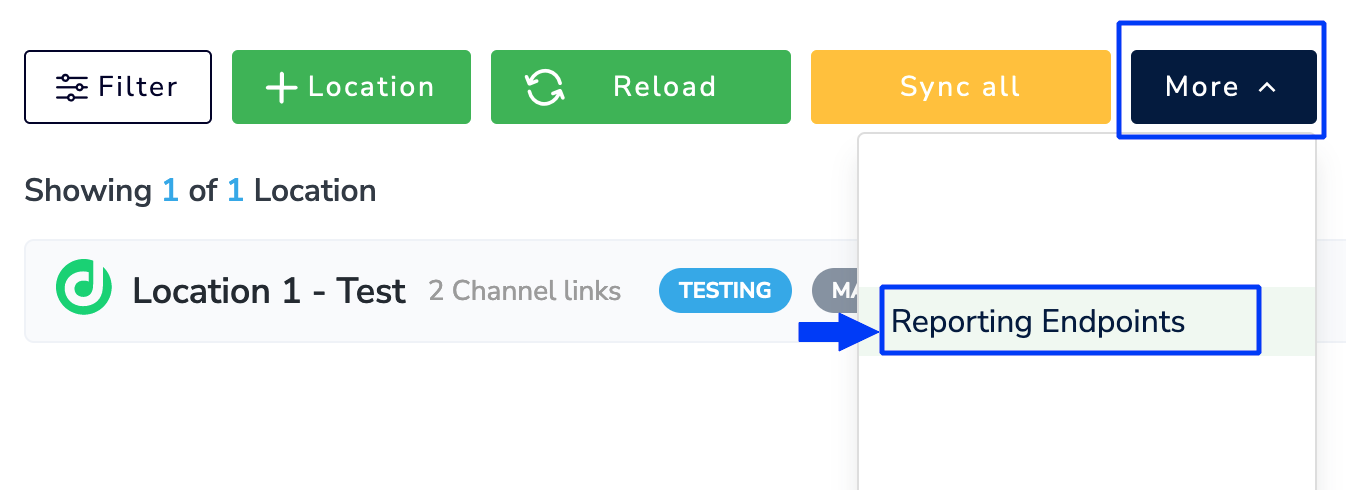
- Click Reporting Endpoint.
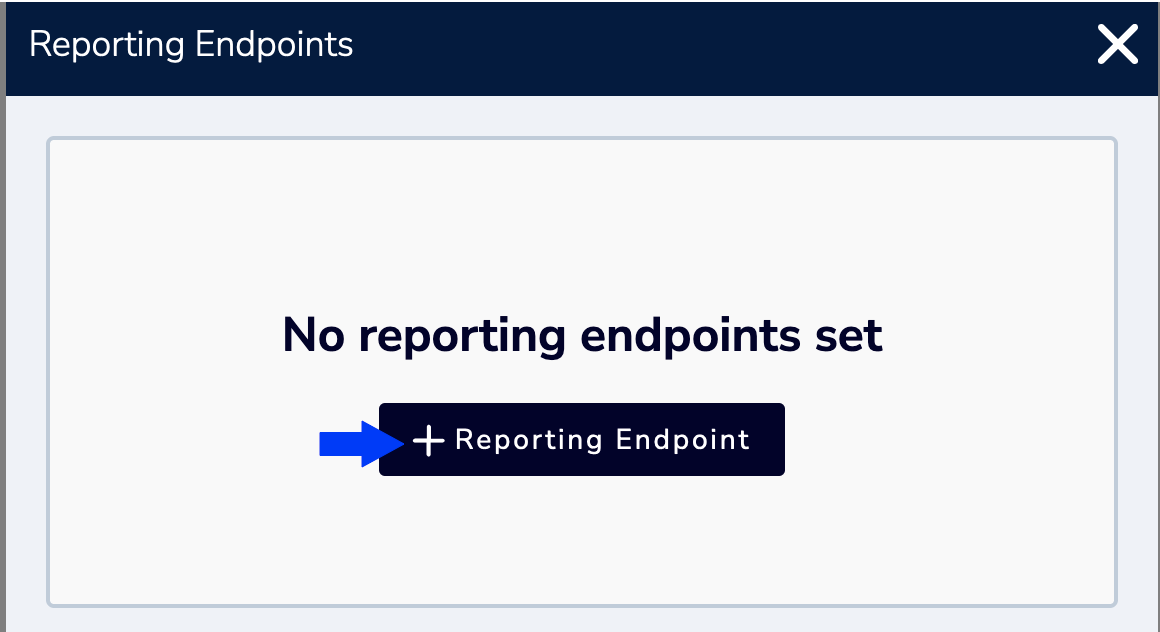
- Click the + icon and add the Reporting Endpoint URL.
- Select Order to collect order data.
This event triggers once for each order.
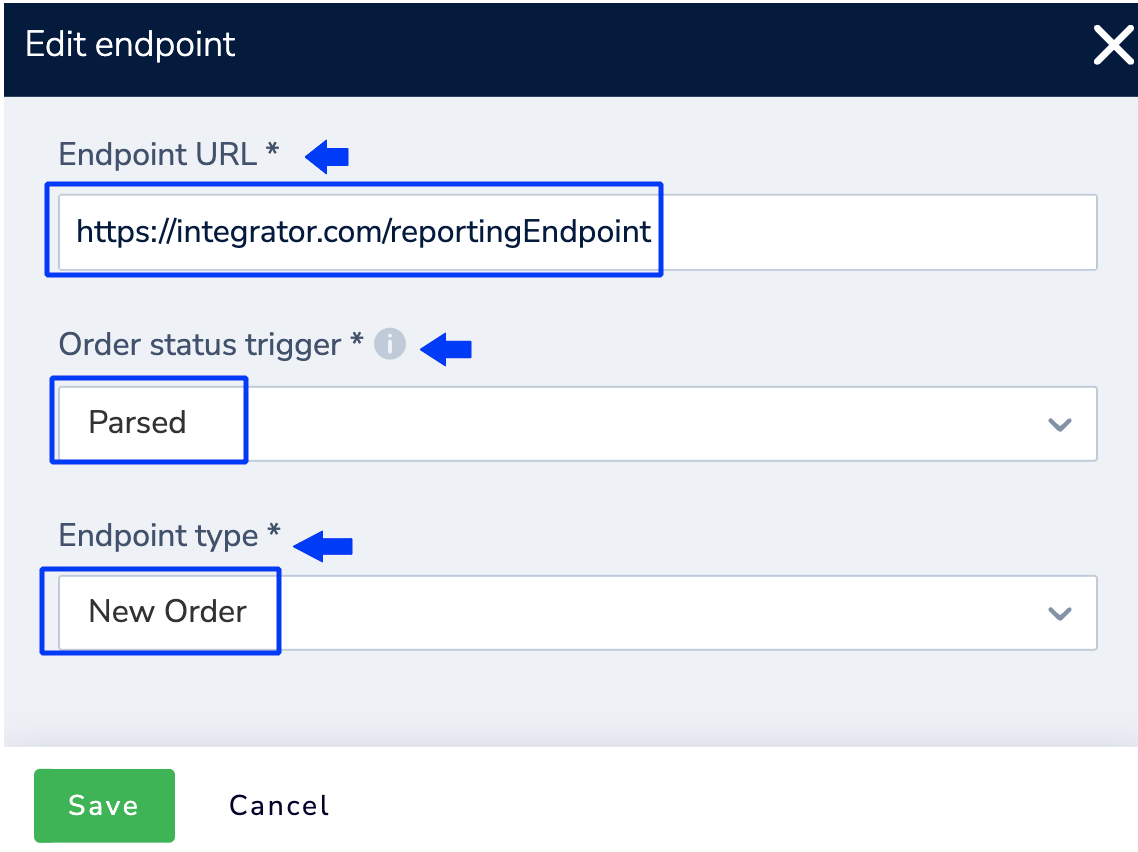
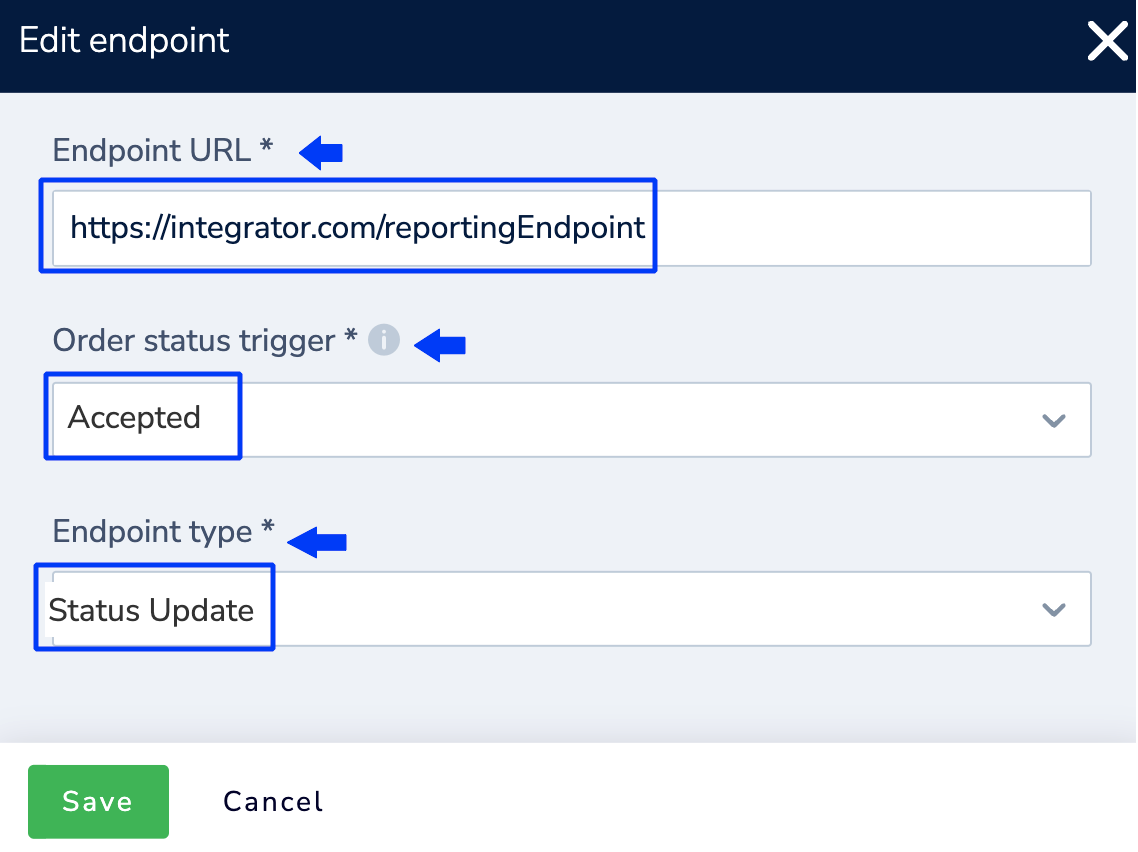
- To collect Order Status data (example)
This event will be triggered everytime the order status changes.
Updated 2 months ago
Did this page help you?