

How to Request a Payment
Introduction
Before checking out a basket using Deliverect Pay Dpay a commerce platform must first initiate a payment request to the payment provider.
1. Get Payment Gateway
Retrieve the available payment methods for a given store (channelLinkId) under a customer account.
Payment Gateways Configuration
Types of payment gateways
Merchants can create online and offline payment gateways in Deliverect. Online payment gateways allow end users to complete checkout through an online payment service, such as Adyen or Stripe. Offline payment gateways allow checkout to continue when the payment happens outside the scope of a commerce integration.
  [
    {
        "id": "68e79ac****01c94d3044",
        "integration": 1,
        "paymentType": "online"
    }
]Initiate a payment request with the selected provider and re-direct the user to the URL returned in the payment request response to complete the transaction. The payment remains pending until the transaction is finalized.
{
  "paymentId": "68ed22c5***",
  "gateway": 1,
  "paymentStatus": "pending",
  "action": {
    "type": "redirect",
    "url": "https://checkout.providerredirect.com/c/pay/******g1a5cPaz2fbIdRRRmHXVKMi6rG7AljRysCBFY77U1BS64H#fidnandhYHdWc***********ndqcGthRmppancnPycmY2NjY2NjJyknaWR8anBxUXx1YCc%2FJ3Zsa2JpYFpscWBoJyknYGtkZ2lgVWlkZmBtamlhYHd2Jz9xd3BgeCUl"
  }
}
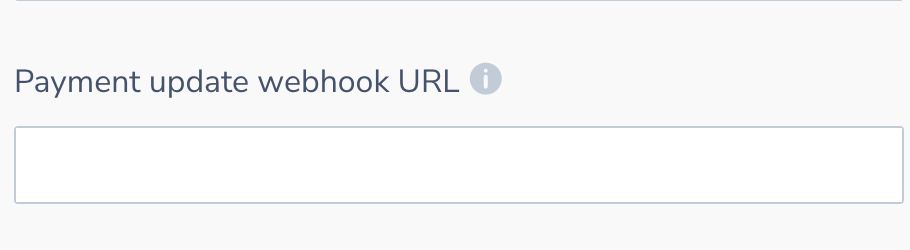
3. Configure the payment update webhook URL
Set the 'Payment Update Webhook URL' in the channel settings as below to receive updates to confirm a payments authorisation status;
{
    "paymentId": "6***2c****c***dda6636",
    "status": "authorized",
    "metadata": {
        "gatewayProfileLinkId": "68ed22c5***",
        "methodRaw": "visa"
    }
}Updated about 1 month ago