

How to Request a Payment
Introduction
Before checking out a basket with Deliverect Pay (DPay), a commerce platform must first request a payment from an integrated payment provider. The flow has three steps: get the store's payment gateways, request a payment, and listen for the payment's authorization through a webhook.
Payment Flow
Retrieve the payment gateways available for a store (channelLinkId) under a customer account.
Payment Gateway Types
Merchants can create two types of payment gateway in Deliverect:
- Online: The end user completes checkout through an online payment service, such as Adyen or Stripe.
- Offline: Checkout continues while the payment itself happens outside the commerce integration.
[
  {
    "id": "68e79ac****01c94d3044",
    "integration": 1,
    "paymentType": "online"
  }
]Request a Payment — Request Payment
Initiate a payment with an online gateway from step 1, then redirect the user to the action.url returned in the response to complete the transaction. The payment stays pending until the transaction is finalized.
{
  "paymentId": "68ed22c5***",
  "gateway": 1,
  "paymentStatus": "pending",
  "action": {
    "type": "redirect",
    "url": "https://checkout.providerredirect.com/c/pay/******g1a5cPaz2fbIdRRRmHXVKMi6rG7AljRysCBFY77U1BS64H#fidnandhYHdWc***********ndqcGthRmppancnPycmY2NjY2NjJyknaWR8anBxUXx1YCc%2FJ3Zsa2JpYFpscWBoJyknYGtkZ2lgVWlkZmBtamlhYHd2Jz9xd3BgeCUl"
  }
}Configure the Payment Update Webhook
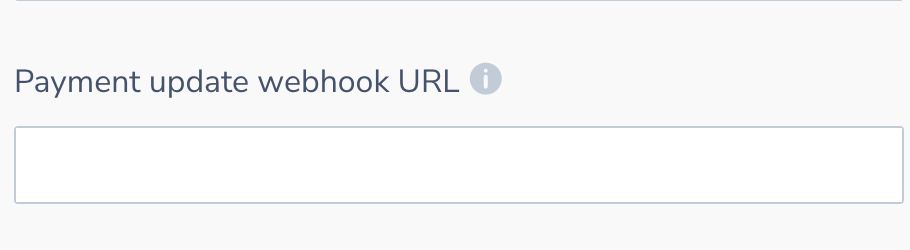
Set the Payment Update Webhook URL in the channel settings, as shown below. Deliverect sends a request to this URL each time the payment's status changes, including when it's authorized.
{
  "paymentId": "6***2c****c***dda6636",
  "status": "authorized",
  "metadata": {
    "gatewayProfileLinkId": "68ed22c5***",
    "methodRaw": "visa"
  }
}Updated 12 days ago