

Eat-in Orders
Introduction
Use orderType and table to create an eat-in order that includes the table number for restaurant staff.
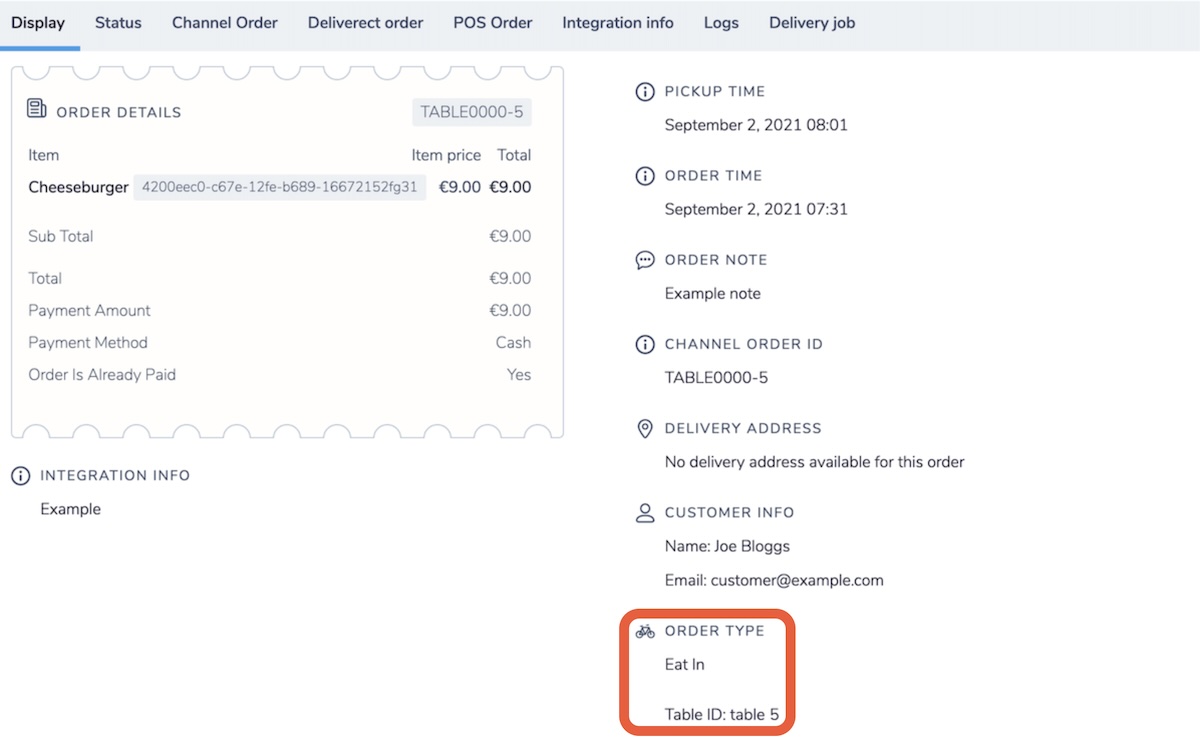
Eat in means a customer consumes the order at the location. Add a table number so staff know where to serve the order.
Set these fields in the order payload:
- To set the order type, use
"orderType": 3. The value3identifies an eat-in order. - To include the table number, use
"table": "Table 5".
"orderType": 3,
"table": "1"
Deliverect shows the table number and sends it to the POS (point-of-sale system) in the order notes.
Automatically open an order on a POS table
Adding a table number won't open the order on that table in the POS. A direct table integration requires the table ID. Use the GET POS Tables from Location endpoint to get the table ID for a location.
Updated about 2 months ago
Did this page help you?