

About Main Locations
Introduction
Use a main location to sync one shared product inventory across multiple locations, such as a brand or chain.
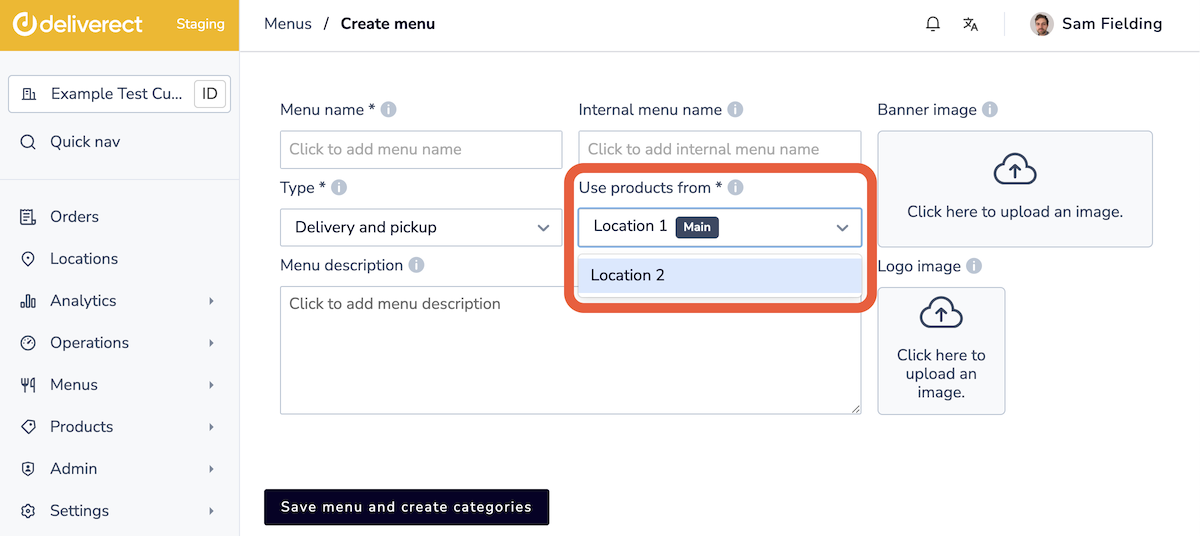
Deliverect does not push products from other locations when those locations use products from the main location. Orders reference either the products from the main location or products specific to the ordering location.
Configure a main location
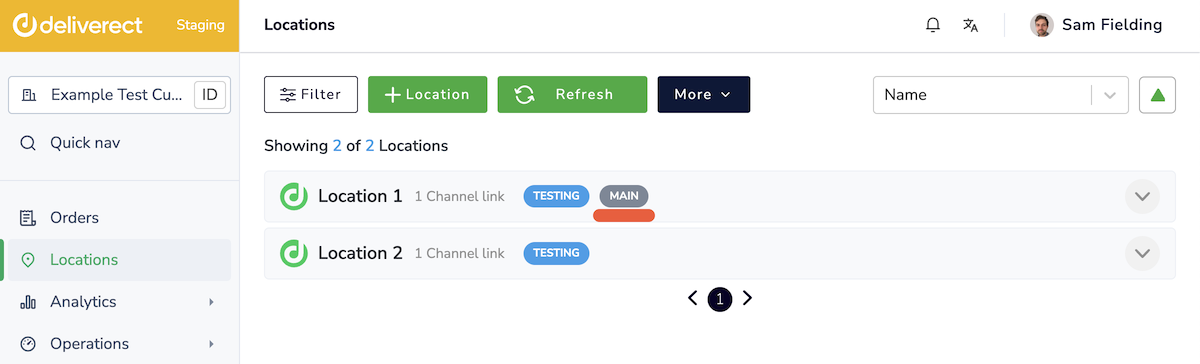
During Deliverect onboarding, Deliverect and the customer determine whether the customer requires this setting. The chosen location will show a MAIN tag in their Deliverect account.
Configure other locations
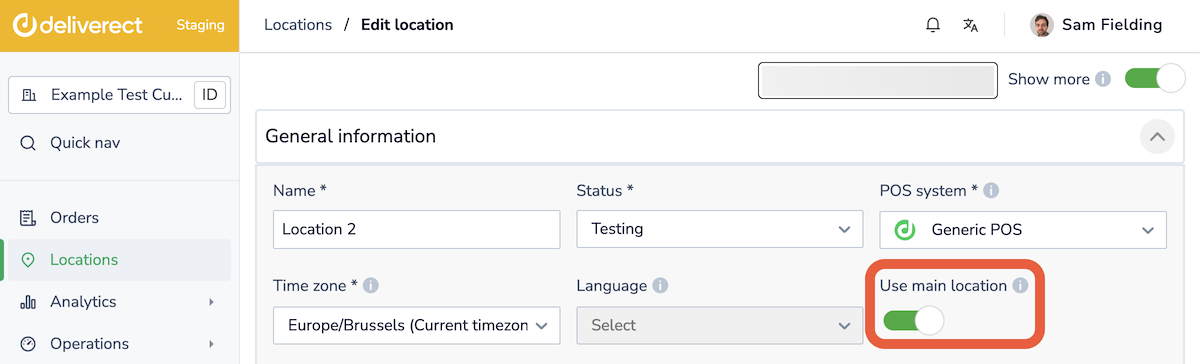
Activate the Use main location toggle for each location that uses products from the main location.
Some locations may not reference products from the main location. For those locations, sync products from the location's POS and include them in menus.
Updated 17 days ago