
How to Connect a Gift Card provider to Deliverect Direct
Register a new Gift Card provider
Deliverect will call the register Gift Card Profile URL when a merchant starts configuring gift card services in Deliverect. Go to the "Gift Cards" tab > "Configuration" to register a new profile.
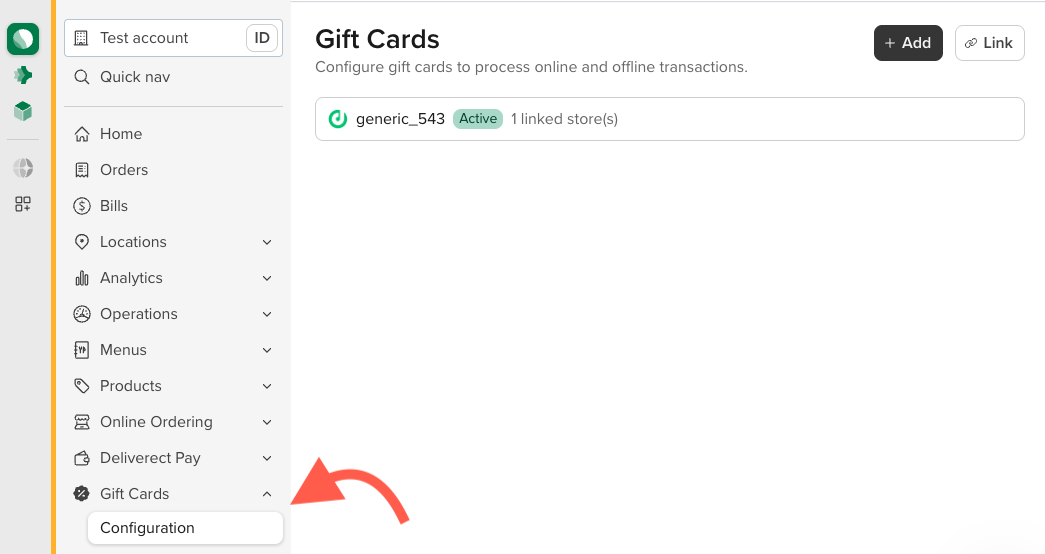
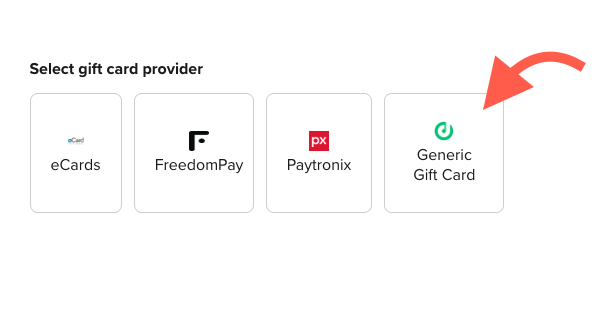
Click on "Add" at the top to register a new provider.
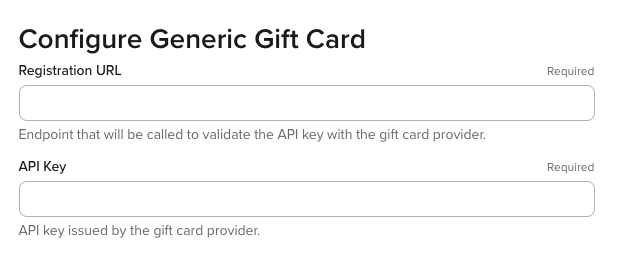
Add a registration URL and the API Key and click on "install". The API response must contain the Redeem, Reverse and Balance URLs needed for the integration as explained on the Register Gift Card API documentation.
Linking the Provider to a specific Channel
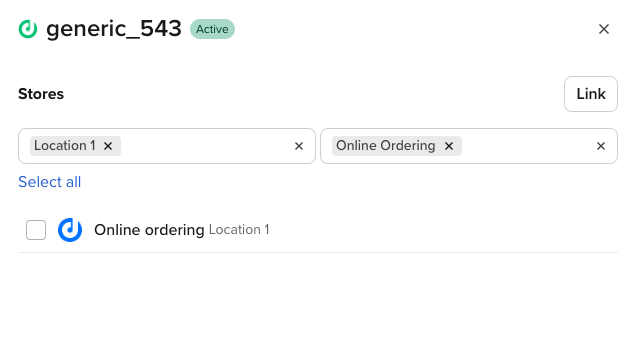
After registering the profile, select a location & link it to the Deliverect Online Ordering Channel on the account by clicking on the "Link" button.
Updated about 18 hours ago
See related guides